The tracker realizes that you train: what changes with the news Google and Fitbit
You finished your business and forgot to press "start"? The new automatic recognition promises a more convenient diary. Here's how to read the ad without confusing technology, motivation and health.
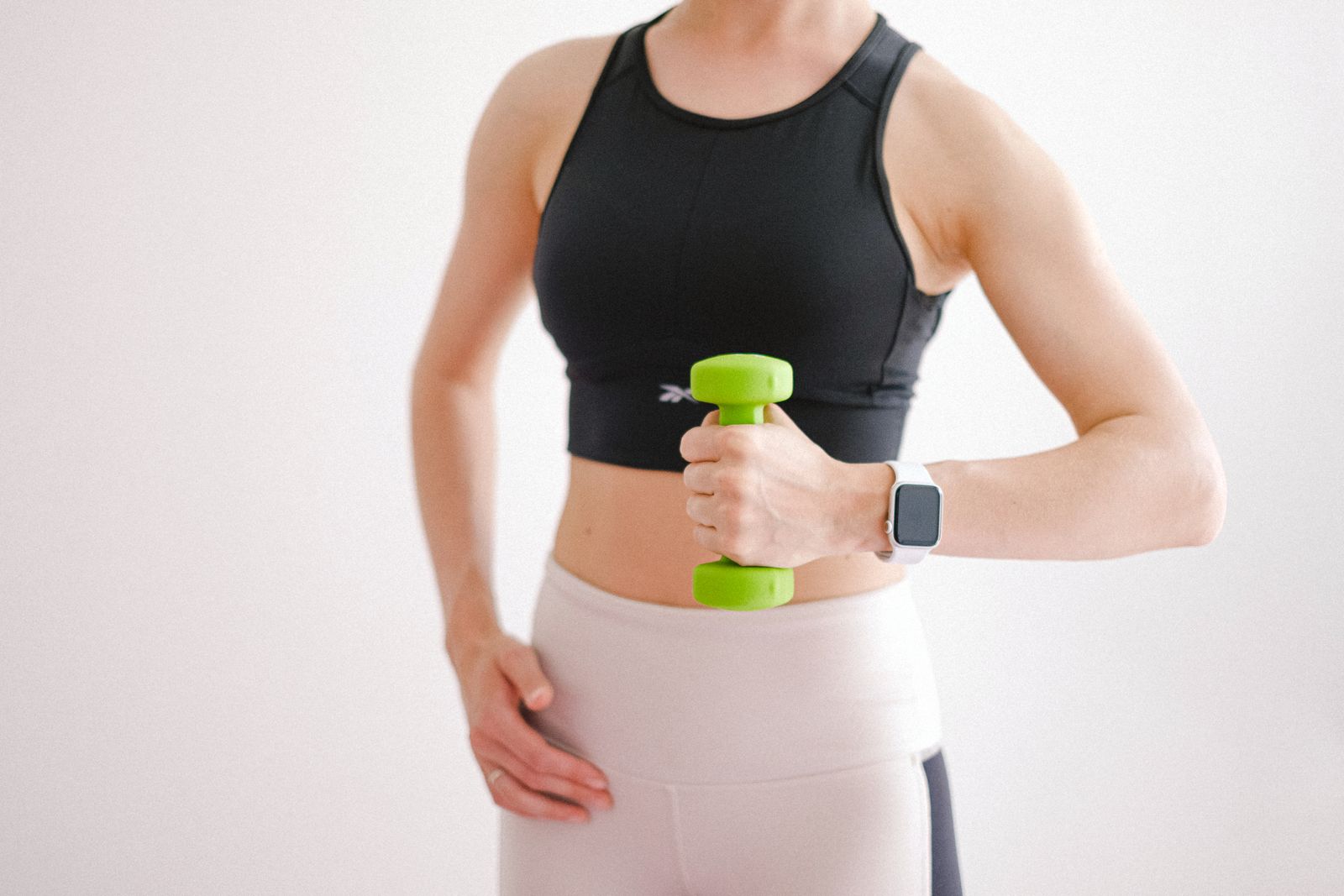
The scene is familiar: come back from a walk, set up the bag and you realize that you have not started training on the watch. For a moment it almost seems that half an hour has been lost. Then just stop and think about it: you really walked. Your body wasn't expecting confirmation on the screen.
It is from this small daily clutch that you can read the novelty announced by Google. The interesting goal, for those who want to keep a diary of movement, is to reduce manual steps. The question to ask a device remains very concrete: does it help me to live my business better, with less complications?
What announced Google on October 12
In the official statement of 12 October 2026 ↗, Google announces the extension of automatic detection from 10 to more than 100 activities, including strength, swimming and racquet or team sports. The devices shown are Fitbit Air, Fitbit Edge and Pixel Watch 3, 4 and 5, with distribution expected later in the month.
The system also uses history, habits and manual corrections, with location if you allow it. Google describes detection starting with at least 15 minutes of activity with a sustained elevated heart rate, followed by a phone summary, usually within half an hour.
The possible advantage: fewer interruptions
Think of a lesson that started running or a walk that was born spontaneously after work. Having fewer operations to remember can be convenient, especially if the phone should stay in the bag. The diary becomes useful when it accompanies the day without turning into another task.
Comfort, however, must be assessed in real use. If you already have a device, you can start by looking at what it records and how often you have to intervene. Are you in the proposed activities? Can you easily correct a voice? Does the summary come at a useful time or does it add notifications you don't want? These answers are worth more than a very long list of sports modes.
Recognizing a session doesn't mean knowing it all
A label in the diary answers most of all to the question of what I might have done? She doesn't tell herself the quality of a gesture, the technique of an exercise or how comfortable you felt. To choose loads, learn a movement or adapt it to a personal difficulty, you need a wider context than a screen.
You can then treat any detection as a voice to check. If it is wrong, correcting it is a normal operation. If it doesn't, you can write down the activity whenever you want. You don't have to repeat a walk to get the recognition you hoped for, or extend a session just to show up a summary.
It is a particularly useful distinction on full days: five free minutes remain five minutes available to move, even when they do not produce the automatic recording expected. The journal should help you remember what you're doing without becoming the judge of your day.
Before buying, start with a need
If your current device satisfies you, an ad does not create the need to replace it by itself. Write instead the problem you would like to solve: do you often forget to start sessions? Does it bother you to consult your phone? Would you like an easier diary to read?
From there you can compare options with a small list of questions. Is the function available in the country where you will use the product? Is it compatible with your phone? Which services require a subscription? Can you understand what remains usable without recurring payments? How can you export or delete your data?
For a thoughtful choice, everyday details also count: comfort on the wrist, ease of reading, charge management and clarity of the app. A useful purchase should respond to your concrete priorities. For some people, simplicity will be the decisive point; for others, the possibility to consult more in-depth information.
Personal Data: Choose how much to share
Before activating links and permissions, allow yourself time to read the screenshots. You can ask yourself why a function requires a certain data, who can access it and how to change the choice later. If an information is unclear, seek an explanation in the official documentation before confirming it.
Think also about what you publish voluntarily. A training screen can show details you'd rather keep private. Sharing a result with a friend is a possibility, not a mandatory step to give value to the movement.
You decide the right relationship with numbers.
For someone the diary is a pleasant stimulus. For someone else it soon becomes a list of goals to chase. You can experience a lighter use: consult it at weekends, reduce notifications, choose a single information that you really care about.
Next to the data you can keep simple observations: "I am am amused," "I would have preferred a different pace," "I would like to go back to that lesson." These are personal notes, useful for deciding what space to give to the movement. A more automatic detection makes sense if it gives you more freedom to live that moment. The bracelet can take care of the diary; you can take care of it.